



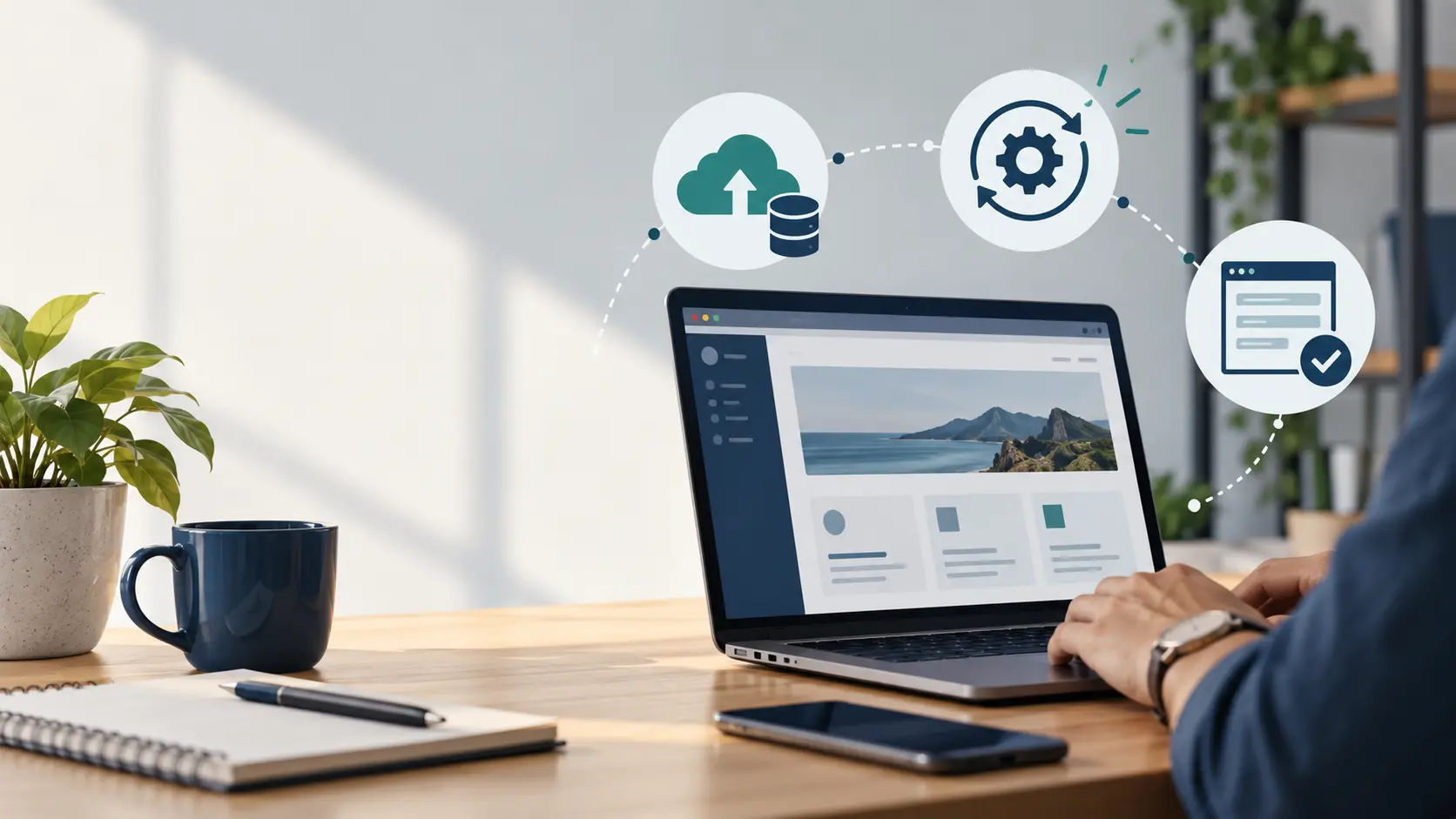

A website can look normal while its enquiry form has stopped delivering messages. That is why WordPress maintenance should include checks of business functions, alongside software updates and backups. Decide what must keep working and who will notice when it does not.
Keep updates organised
WordPress, themes and plugins can receive updates for fixes, compatibility and security. Review the components your site uses and who is responsible for applying changes.
The official WordPress auto-update guidance explains available controls and the importance of keeping components current. Whether updates are automated or reviewed, you still need backups and a way to check important functions.
For a site with custom code or transactions, discuss testing on a suitable copy before significant changes. The approach should match the site’s complexity and consequences of failure.
Check that backups can actually help
A backup is useful only if it includes the required files and data and can be restored. Identify where copies are stored, how long they are retained and who can access them.
Choose a frequency according to how much information changes. An enquiry site and a busy online store may have different recovery needs.
Do not assume a hosting dashboard labelled “backup” covers every recovery scenario. Ask what is included and how restoration works. Recovery testing should avoid exposing private information or interrupting the live site.
A maintenance check a business owner can understand
Choose one normal visitor task: open a product page, submit an enquiry and confirm that the responsible person receives it. Record the date, result and any failure. After a relevant update, repeat the same path. This small check is more meaningful than “the homepage loads”. For a calculator, include known inputs and results; for a store, include an agreed transaction test. Your maintenance arrangement should explain which checks are covered and who follows up an issue, so a report tells you something about the website’s usefulness.
Test the paths that matter to visitors
List your essential tasks: submit an enquiry, open a WhatsApp link, download a brochure, find the contact details or place an order.
Test after relevant updates and at a sensible interval. Confirm that a form record or notification reaches its intended destination, not only that a success message appears.
Check mobile layouts too. A button hidden under a banner can affect enquiries even when the page loads successfully.
Review access and unnecessary components
Remove access when staff or suppliers no longer need it. Use individual accounts and permissions appropriate to their responsibilities.
Review plugins that are unused or duplicate another component. Do not delete an unfamiliar plugin without understanding what depends on it, but avoid leaving abandoned functionality without an owner.
Security is an ongoing responsibility shared across hosting, software and account management. No maintenance package can honestly guarantee that a site will never experience a problem.
Keep external services and renewals visible
Domain registration, hosting, certificates, plugin licences and integrated services can affect the website. Record who owns each account and when renewals need attention.
If a form uses a third-party email service, or a catalogue relies on an external system, include those connections in the review. A website update is not the only reason a function may fail.
Auspian provides WordPress development and maintenance services. The agreed package should identify the actual responsibilities rather than assume every change is covered.
A maintenance checklist you can discuss
- Software updates and compatibility checks.
- Backup retention and recovery responsibilities.
- Enquiry, download and transaction testing.
- Account access and unused components.
- Hosting and external-service issues.
- Licence and domain renewal ownership.
- Error reporting and escalation arrangements.
Keep a simple record of work completed and issues found. It helps the owner understand the service and supports troubleshooting when a problem appears later.
Frequently asked questions
Does hosting include website maintenance?
Some hosting includes limited technical services, but application updates, custom-code checks and content work may be separate. Read the actual scope.
Can we maintain the site ourselves?
Yes, if someone has the necessary access, knowledge and time. Assign responsibilities and a recovery process rather than relying on ad hoc updates.
Are content changes included in maintenance?
Only when the agreed package includes them. Defect support, maintenance and new development should be distinguished.
Ask Auspian about WordPress maintenance using a list of the functions your business depends on. Agree the checks and responsibilities before choosing a package.