




Customers often call because they cannot find one piece of information: a request status, an approved document or an order detail. A portal can help, but its first version should solve a recognisable problem. Start with the questions your team answers repeatedly, then decide what customers can safely do themselves.
Pick a task customers already understand
A hypothetical service business may receive regular calls asking whether a request is assigned, in progress or completed. A portal that shows those states and the latest approved update could be useful before adding a complex messaging system.
An order-based business may need a different starting point: access to order details and related documents. Choose the task from your own process, rather than copying another company’s dashboard.
Explain what customers should do when information is missing. A visible support contact is more helpful than an empty screen with no next step.
Make sign-in and access part of the scope
Account access deserves careful planning. Decide who can create an account, how it is linked to a customer organisation and whether that organisation can have several users.
A customer must not be able to see another customer’s records by changing a link or guessing an identifier. The developer needs to enforce access checks in the application, not merely hide menu items.
Plan password recovery and account removal too. Staff should have a controlled way to deactivate access when a contact leaves the customer organisation.
Show understandable information
Internal terms rarely make a good customer experience without explanation. A status such as “pending verification” should tell the customer what is happening and whether they need to act.
Display when information was last updated. If the portal depends on a scheduled transfer from another system, avoid calling the information live unless that is accurate.
Documents need the same care. Decide which versions are visible and whether a file contains information the customer is entitled to receive.
Decide which actions belong in the first release
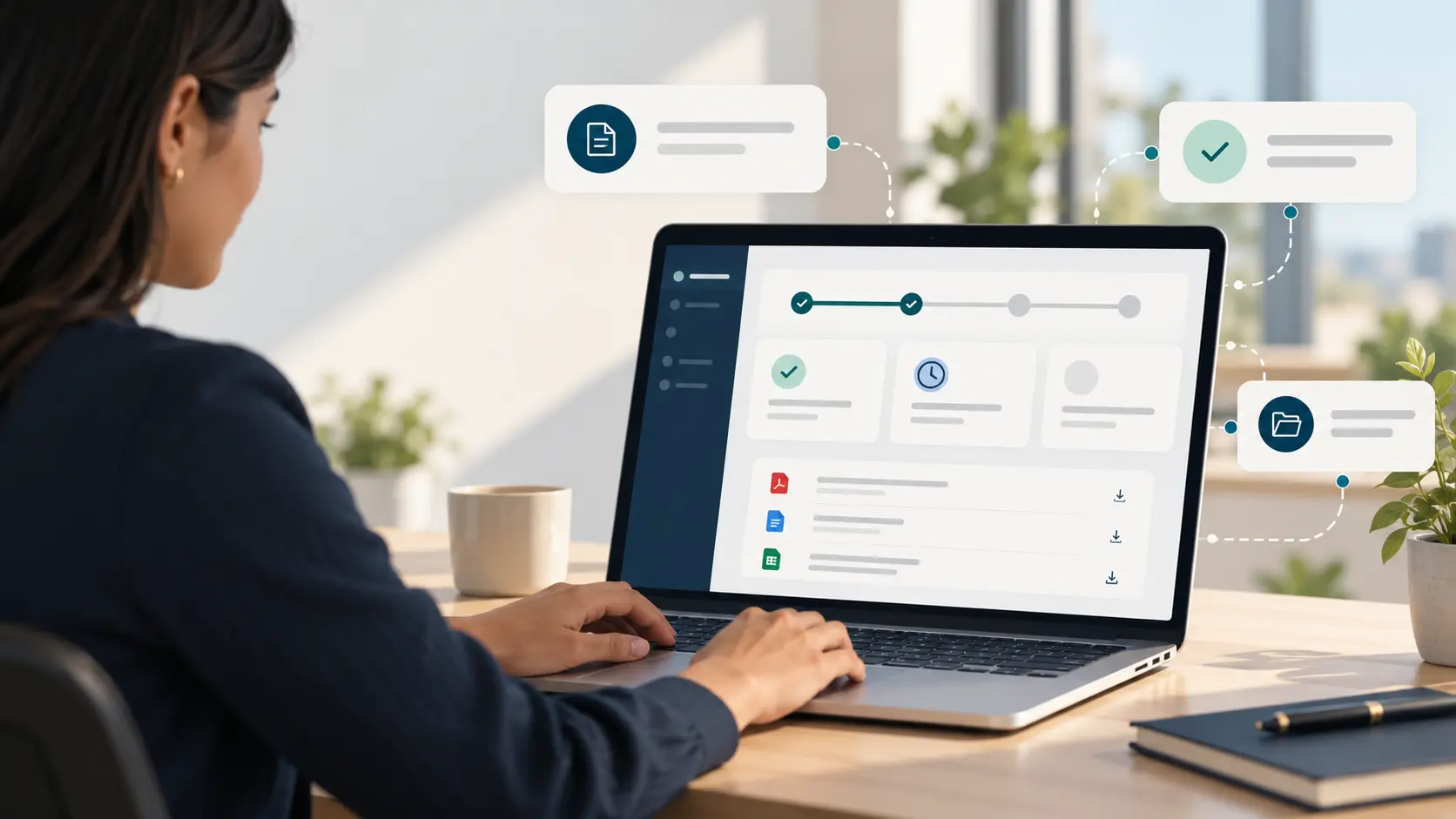
An initial portal might let customers view records, download approved documents and submit a structured request. Editing orders, approving prices or making payments can be added when their business rules are sufficiently clear.
Actions should include validation and confirmation. If a request is submitted twice, the system needs an agreed response. If a customer changes something important, staff should know what changed and when.
These details are part of web application and portal development, not simply interface design.
Prepare the information source
A portal cannot fix records that nobody updates. Identify the system or staff member responsible for each displayed field.
For an integration, confirm available interfaces, permitted access and what happens when a transfer fails. For manual updates, define who owns the task and how outdated information is spotted.
Before launch, test with customers or staff acting in a customer role. Ask them to find a record, download a document and submit a request without guidance. Their difficulties can reveal unclear labels and unnecessary steps.
First-release checklist
- One clear customer task and a defined audience.
- Account creation, recovery and access rules.
- Customer-friendly statuses and update times.
- Approved documents and record visibility.
- A small set of useful actions.
- A named information owner.
- Error handling and a support route.
- Mobile testing with realistic sample records.
A useful first release can be quite small
Suppose customers frequently ask whether a service request has been received. A first portal could show the request reference, a customer-friendly status, the last update and the next action. It need not include chat, payments or a mobile app immediately.
Test the proposed page with someone unfamiliar with your internal terminology. If “pending allocation” leaves them confused, explain it as “received; our team is assigning a person”. The interface succeeds when it answers the customer’s question, not when it exposes every internal field.
Frequently asked questions
Do we need a mobile app as well?
Not automatically. A responsive web portal may serve the initial need. An app should be considered when device capabilities or usage patterns justify it.
Can a portal connect to our existing software?
Potentially, if the software provides suitable authorised access. Confirm this before committing to connected features.
Should we include payments immediately?
Only if they are essential to the first task and the payment, accounting and refund processes are defined.
List your five most frequent customer questions and discuss a portal scope with Auspian. That list is a better starting point than a dashboard wish list.