



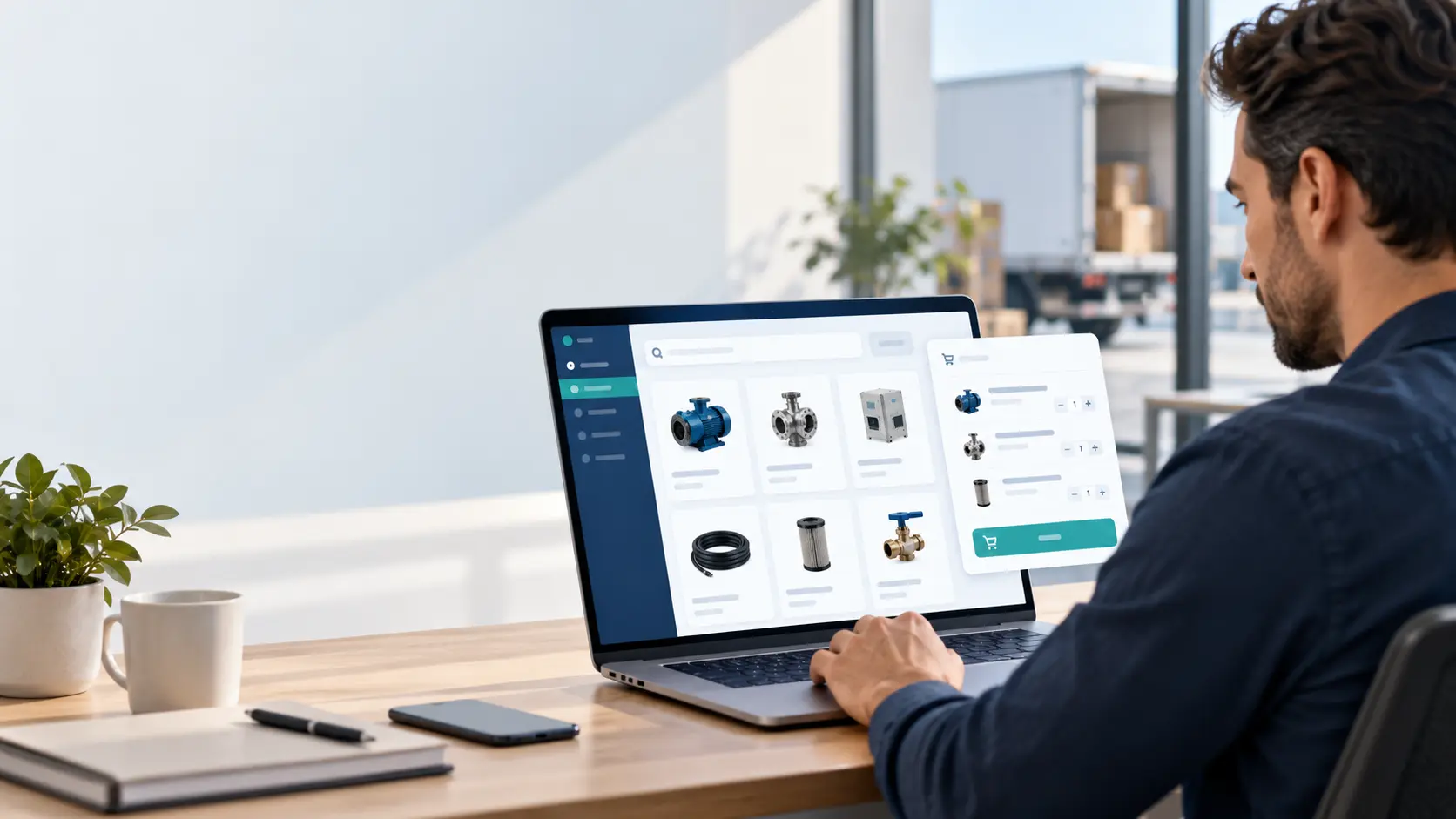

A dealer sends an order request by message. Your team asks which model they meant, whether the quantity is in pieces or packs, and which branch should receive it. A dealer portal can make that exchange clearer. It should reflect your commercial process, including the parts that still need staff approval.
Follow one dealer request from start to finish
Consider a distributor whose approved dealers request mixed product quantities. The portal could let a dealer choose known product codes, see the unit beside each quantity and submit a request reference. Sales then reviews availability and commercial terms before accepting. The dealer sees “submitted” first and “accepted” only after that review. This distinction matters: a request is not automatically a confirmed order. Build the staff review screen alongside the dealer screen so someone can actually complete the process the website starts.
Begin with the dealer’s usual questions
List what dealers need before they can place an order: product codes, specifications, current documents, minimum quantities, indicative availability or an agreed price list.
Different information may need different treatment. Public product descriptions can be shared widely, while negotiated prices may require approved access. Availability must reflect the information you can actually maintain.
If stock is checked manually, show that confirmation is required. An inaccurate promise is worse than an honest enquiry process.
Make requests easier to understand
Consider a hypothetical distributor receiving orders as free-text messages. Staff may need to clarify the model, quantity and delivery location before taking action. A structured request can ask for those fields at the start.
Give the request a reference number and confirm receipt. Explain whether it is an order awaiting acceptance, a quotation request or a confirmed transaction. Those states should not be interchangeable.
The portal can keep the submission and subsequent updates together, so both parties can refer to the same request.
Plan organisation accounts and permissions
A dealer business may have a purchasing contact, branch users and a manager. Decide whether everyone sees the same records or only their own branch’s activity.
Define who can invite users, change addresses and submit requests. Important account changes may need staff verification.
Approval of a dealer account is also a business decision. Do not assume a registration form should automatically grant access to pricing or credit-related information.
Keep product information manageable
Use consistent product identifiers and categories. Include the attributes dealers actually use to compare products. A catalogue with attractive images but unclear models still creates follow-up calls.
Documents should have an owner and a version or review process. Remove outdated downloads when specifications change. If several staff members update content, define which source they should trust.
Search and filters can help a larger range, but only when the underlying product data is consistent.
Decide what needs an integration
A portal can begin with staff-managed information. Connecting it to stock, accounting or ERP software is another scope decision.
For each integration, define what transfers, which system owns the value and how errors are handled. Product information may transfer in one direction while accepted orders transfer in another.
Our custom software and portal services can support a focused dealer workflow. The initial brief should state the rules rather than assuming a complete distribution platform is required.
A manageable first version
Start with approved accounts, a clear product catalogue, structured requests and visible request history. Add negotiated pricing, complex approvals or payment functionality only when the business need is established.
Test the portal with one or two willing dealers before a wider rollout. Ask whether they can identify the correct product and understand what happens after submission.
Frequently asked questions
Is a dealer portal the same as an e-commerce store?
Not necessarily. It can support quotation and approval-based sales without online payment.
Can different dealers see different prices?
That can be developed, but price ownership, eligibility and approval rules must be agreed.
Can we keep accepting orders through our sales team?
Yes. Define how staff enter those requests so the same record is not duplicated across channels.
If dealers repeatedly need clarification, show Auspian a typical request with confidential details removed. We can identify which fields and approval steps belong in a portal.